Working with Files and Images
Working with files and images starts in the edit content mode of your Jumpchart project.
From the formatting menu bar, select “Attach” to choose from a file you’ve already uploaded, or to upload a brand new file. Once the file is on the server, the page will refresh and the file you select will appear in-line in the content and in the file list in your attachment drop down. The file will also be added to the Resources page. More on that here.
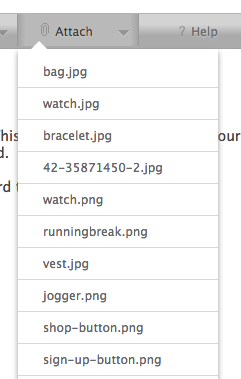
To reference your file in the page content you can use the (“filename”) syntax. If your file is an image, Jumpchart will render a preview of the image if possible.
You can also drag and drop files to your project. Details here.