How can I reorder and reorganize pages?
To rearrange the pages in one of your projects:
Click the Reorder button at the bottom of your left hand navigation.

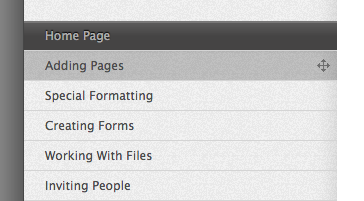
A green notice box will pop up, which lets you know you’re in “reorder” mode. You can then drop and drag any page where you want it to go. Just drag a little to the left or right to move your page up or down levels in the site.

When you’re satisfied (or want to start over) click either cancel or save. If you click cancel, it will return to the order it was in before you clicked the Reorder button. If you hit save, your changes will be permanent.
While this function works exactly the same way on all major browsers, if your project has more than 100 pages, you will experience much smoother performance with Safari on a Mac and Google Chrome on a Windows PC.