Adding a Content Page
Adding a page is easy. Simply click the “Add New Page” tab at the top right corner of your content, and give the page a title.
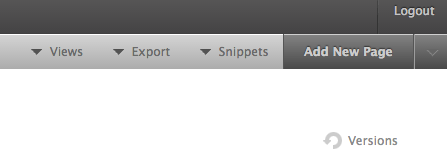
When you click “New Page” Jumpchart will always create a page on the same level as the page you are currently looking at. Use the drop down arrow next to the “Add New Page” button to do different things, such as add a sub-page, add multiple pages, or remove a page. The “Sub-Page” option will always create a page one level below the page you are currently viewing.
Don’t worry; you can always drag and drop to re-order pages after you’ve created them. More info on that here.