Editing Content
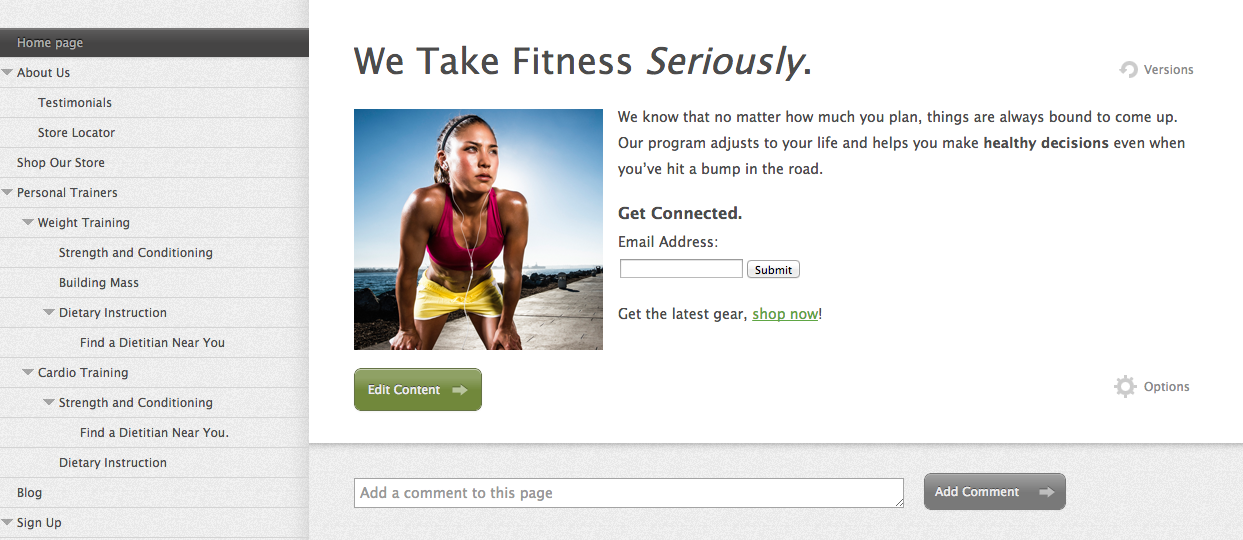
To edit content on any Jumpchart project page, click on the “Content” section from your project homepage. Then click the “Edit Content” button at the bottom of the page. You can also hit Cmd+E (Mac) or Ctrl+E (Windows) to edit the current page.
In edit mode, the formatting menu at the top of the content field has options such as bold, italic, headers, link, add snippets and symbols, as well as attachments and form inputs. Use it to quickly and efficiently format your text.
